Platform Access
Log in to your MetaRouter dashboard and get familiar with the platform. Learn to navigate the UI, understand user permissions, and explore the tools you'll use to manage your customer data infrastructure.
Accessing the UI
The MetaRouter UI is the control plane that sits on top of your dedicated processing cluster(s). It's where you manage every aspect of your customer data infrastructure—from inviting team members to configuring how data flows through your system.
Access the MetaRouter UI at enterprise.metarouter.io
From here, you can:
- Invite collaborators — Add team members with appropriate permission levels
- Configure data routing — Define where events flow and which destinations receive them
- Apply data controls — Structure and organize your data streams
- Monitor in real-time — Watch events flow through your pipelines as they happen
UI Permissions
MetaRouter uses role-based access control. Users are assigned one of four permission levels:
Admin
Manage all aspects of user access to your organization.
Deployment Manager
Allows deployment access to pipelines.
Integration Manager
Allows creation and editing of integrations.
Read-Only
Grants read-only access. Users can view but not edit content.
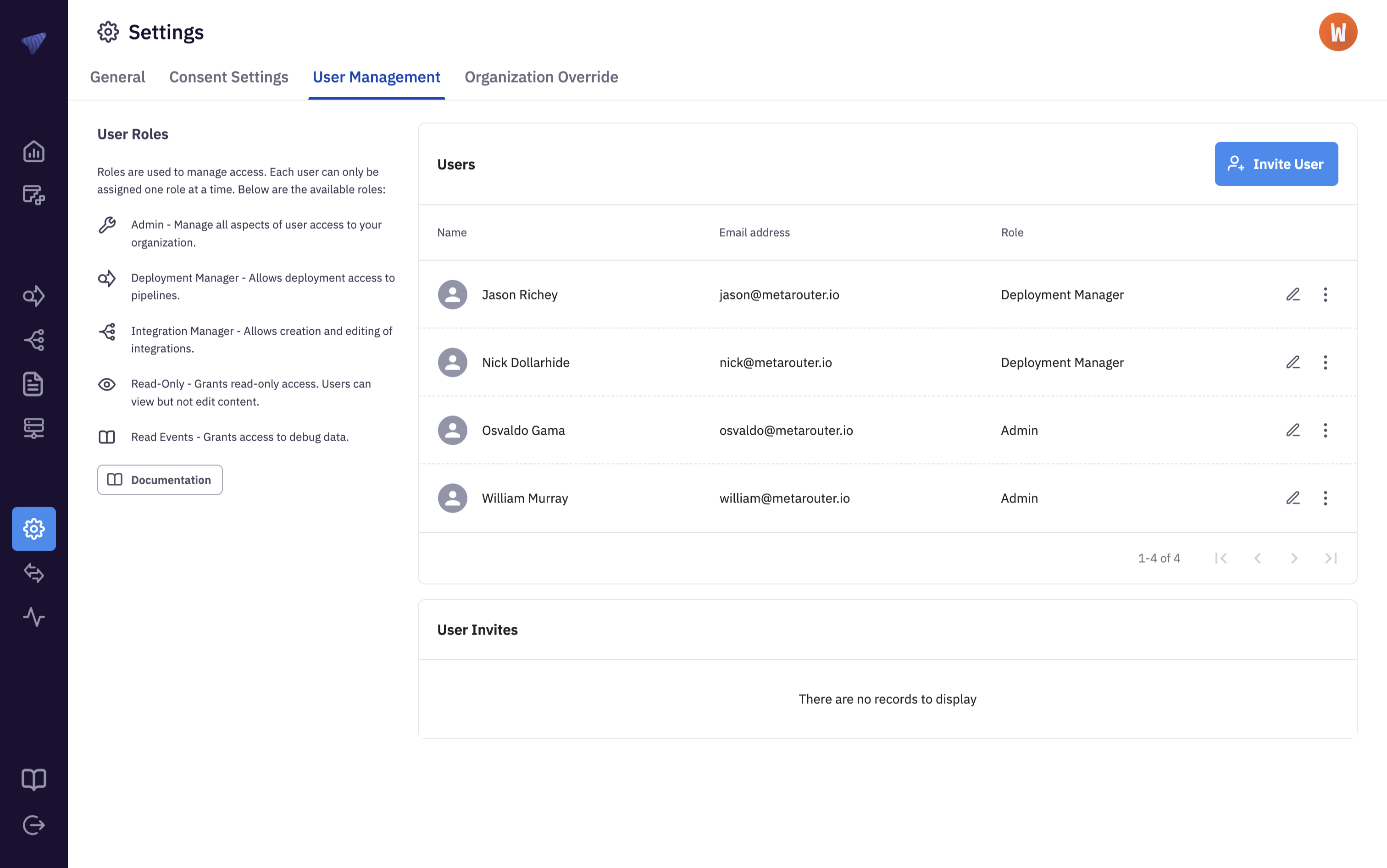
During onboarding, you'll need to define at least two individuals from your organization to receive Admin access. From there, your Admins will manage all user invitations and permission assignments from within the platform.
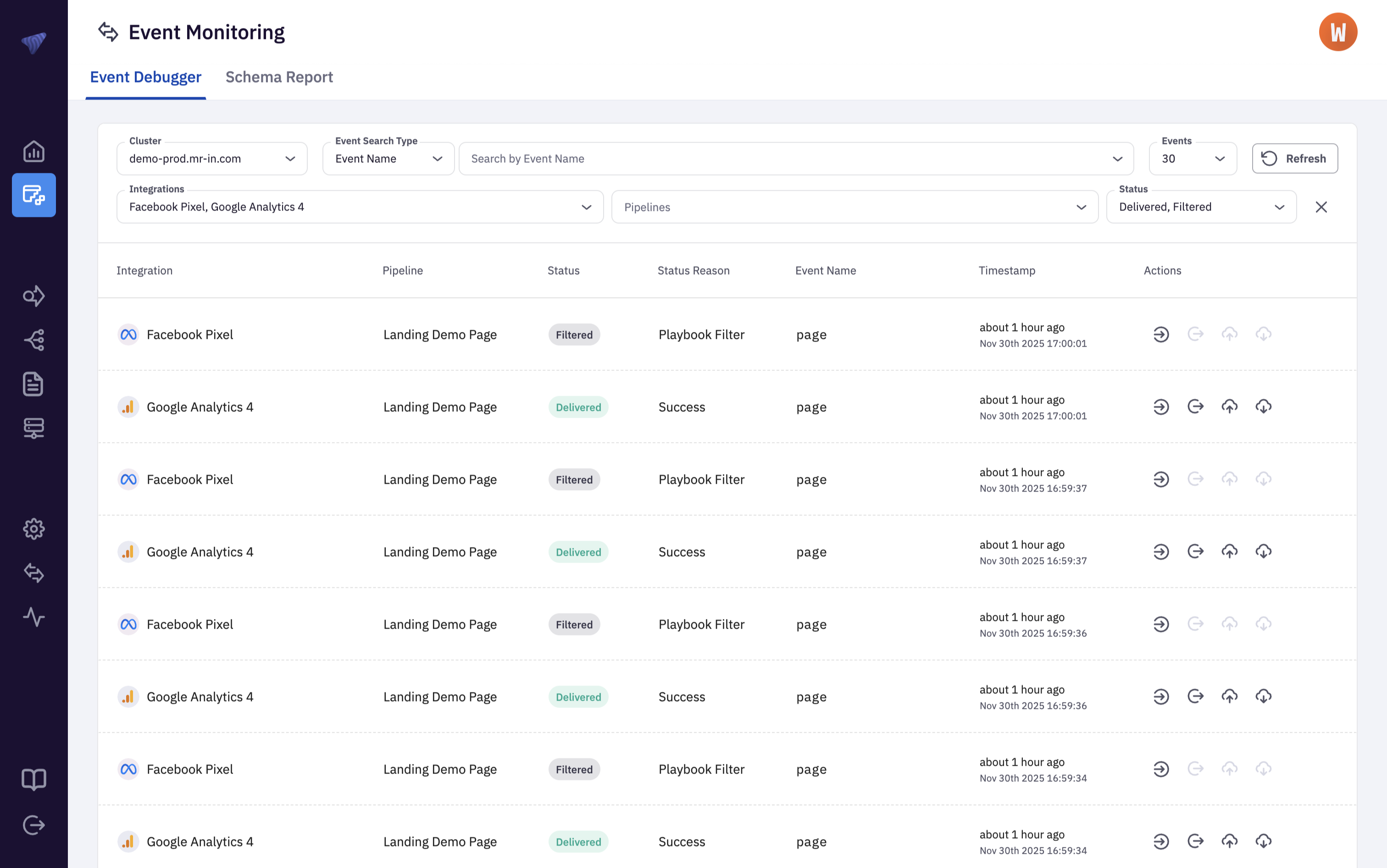
Read Events access can be added on an individual basis or turned on for all users. This provides visibility into a sample of the raw event stream, allowing you to inspect how individual events flow to various tools. Admins can request this access from their MetaRouter point of contact.
What's Next?
Now that you're familiar with the platform, learn about your processing infrastructure: